FAQs
Here, you'll find answers to some frequently asked questions regarding Jim's Voice Overs
Pricing & Invoicing
How much do you charge?
Jim's prices are dependent on the type, size, and scale of your project, including usage rights.
Some projects may be charged as a one-off payment; some may be charged per word or per hour of completed audio. This is all dependent on your project.
Once hired, recordings will be sent with a watermark on until you are happy and payment has been recieved, unless the agreed terms state otherwise.
Turnaround Time
How quickly can you get me the recording once hired?
Voice Over is a fast moving industry. Project deadlines can come at us quicker than we anticipate.
Once hired, Jim strives to get you a recording you're happy with in a timely and reasonable timeframe. Usually, Jim aims to get a recording across within 48-hours. However, a precise timeframe is wholly dependent on the size of your project.
Jim is also able to provide rush jobs when his schedule allows, although an extra fee will be applied.
Jim will be happy to discuss turnaround time for your project once he's recieved its details.
Revisions & Adjustments
How do you handle revisions?
Jim's revisions policy is standard to the Voice Over Industry.
Whilst these do not happen often, any performance mistakes, such as missed words or mispronunciations, are fixed as free revisions.
With artistic edits, such as pacing adjustments or tone adjustments, the first one comes free. Any subsequent artistic edit will be charged at £25 per edit.
Any script re-writes after the recording has started will also be billed accordingly. Please Note: Any Re-Writes exceeding 10% of the original script may trigger a brand-new quote.

Directed Session Capabilities.
Can I listen in to the recording session?
Currently, Jim does not offer live recording sessions.
However, he is willing to organise a session separately from his recording session to better collaborate on your script and get your script sounding exactly how you want it in real time.
The first 30 minutes of this will be included in the price of your original quote, with every subsequent 30 minutes being charged at £25.
Jim's Home Studio
Whilst I'm willing to travel to any studio required for your project, I also have a comfortable home studio, used for quality audio recording and reliable turnaround times. My set-up includes:
- Microphone: Fifine AM8 USB/XLR Dynamic Microphone
- Interface: [name here]
- DAW: Audacity
- Recording Treatment: Soundproof Room, TroyStudio Portable Recording Booth
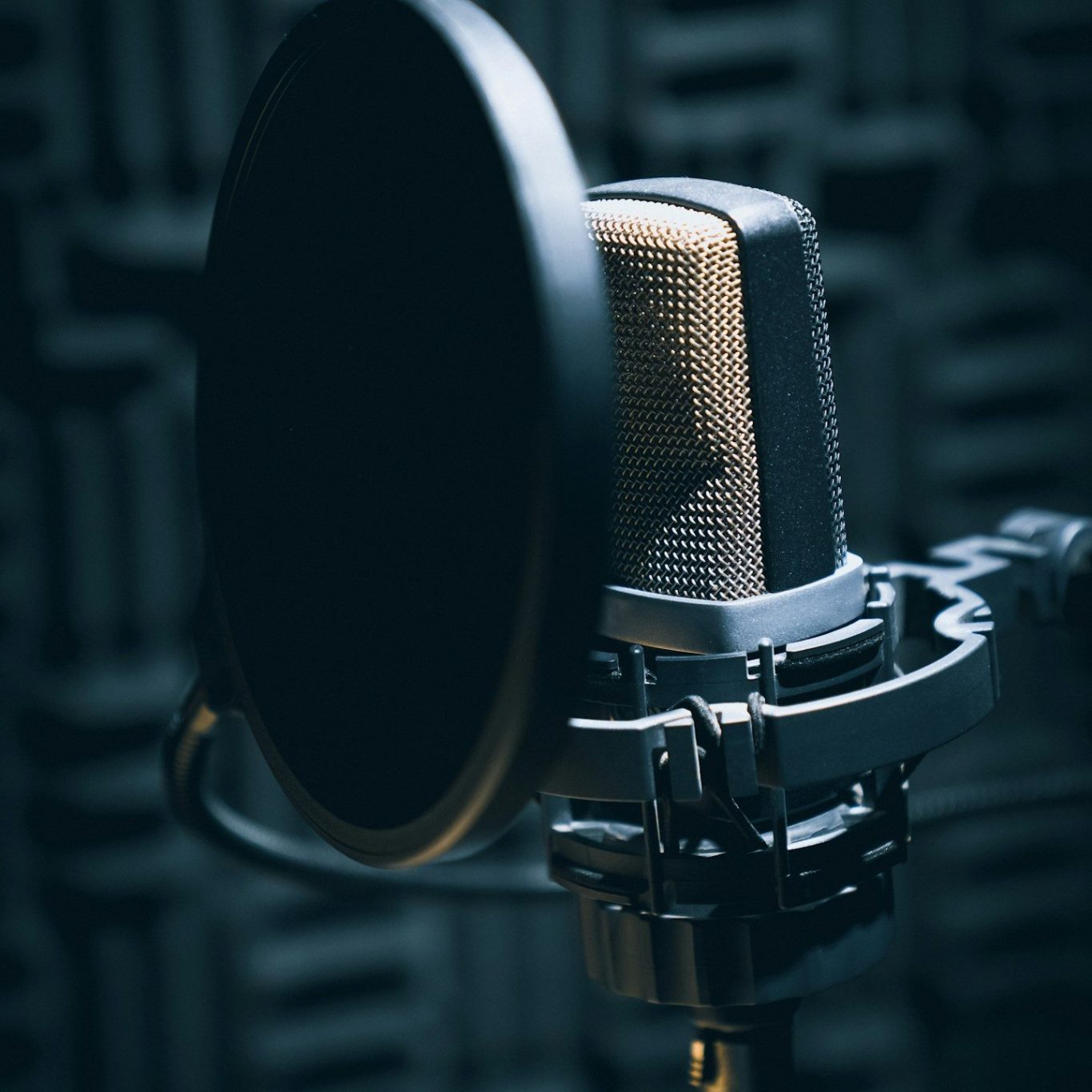
Essential Equipment for Voice Over
As a professional voice over artist, understanding the essential equipment for delivering quality sound is paramount. Here, we outline key components that every voice over artist should consider when setting up their own studio. From microphones to soundproofing solutions, we will provide guidance that caters to all budgets and skill levels.
Microphones: The Heart of Your Voice Over Setup
The choice of microphone is arguably the most critical aspect of voice over work. For beginners, USB microphones offer a convenient and affordable entry point. Models such as the Blue Yeti or Audio-Technica AT2020 USB provide excellent sound quality without breaking the bank. As you advance, consider investing in an XLR microphone, which connects to a more professional audio interface and allows for greater flexibility and sound control.
Creating a Soundproof Environment
To produce high-quality voice over recordings, a soundproof environment is essential. While complete soundproofing can be costly, there are budget-friendly solutions available. Acoustic foam panels can absorb sound reflections and prevent echoes. Additionally, heavy curtains and carpets can greatly reduce outside noise. For those serious about their craft, investing in a portable vocal booth can enhance sound isolation further.
Recording Software: Capturing Your Voice
Your choice of recording software, also known as a digital audio workstation (DAW), plays an important role in how you capture and edit your voice overs. For beginners, software like Audacity is free and user-friendly, making it an ideal starting point. As you gain experience, consider transitioning to more sophisticated programs like Adobe Audition or Reaper, which offer advanced features for editing and sound engineering.
Budgeting for Your Voice Over Studio
Setting up a voice over studio does not have to be prohibitively expensive. Start with essential equipment and gradually upgrade as your skills develop. Focus on acquiring a quality microphone and establishing basic soundproofing first. As you grow your business, reinvest your earnings into better equipment and software, ensuring that your setup is continually improving to meet industry standards.